
Symptoms of CVS: A Deep Dive into Digital Eye Strain
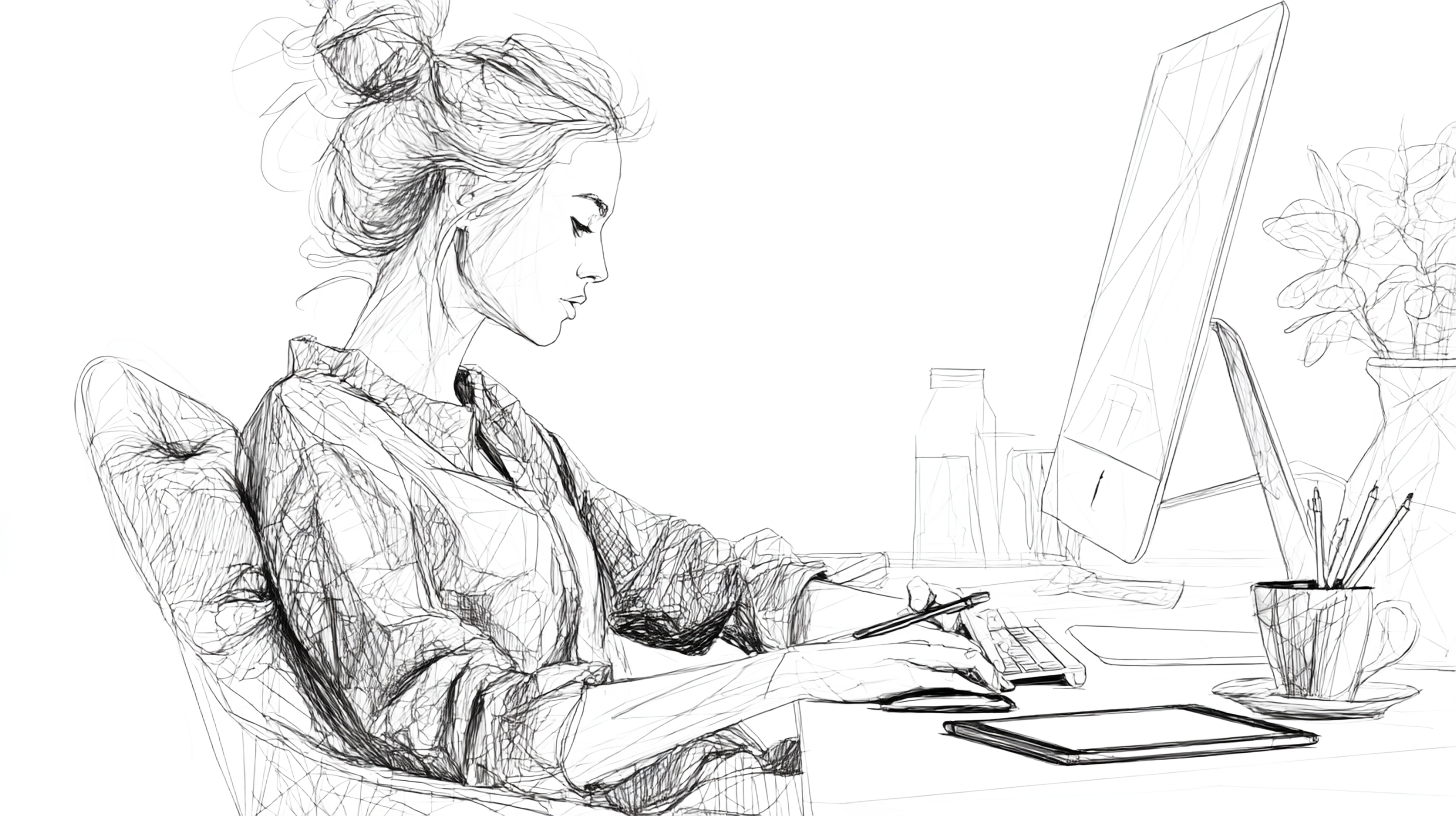
Imagine you’re deep into a busy workday. Emails are pinging, deadlines loom, and your eyes feel as dry as sandpaper. By evening, your vision blurs, your neck aches, and you’re wondering: Is this what “modern work” should feel like?
If this scene sounds familiar, you are not alone. You might brush it off as simple tiredness, but what you’re likely experiencing is Computer Vision Syndrome (CVS), or more simply, digital eye strain.
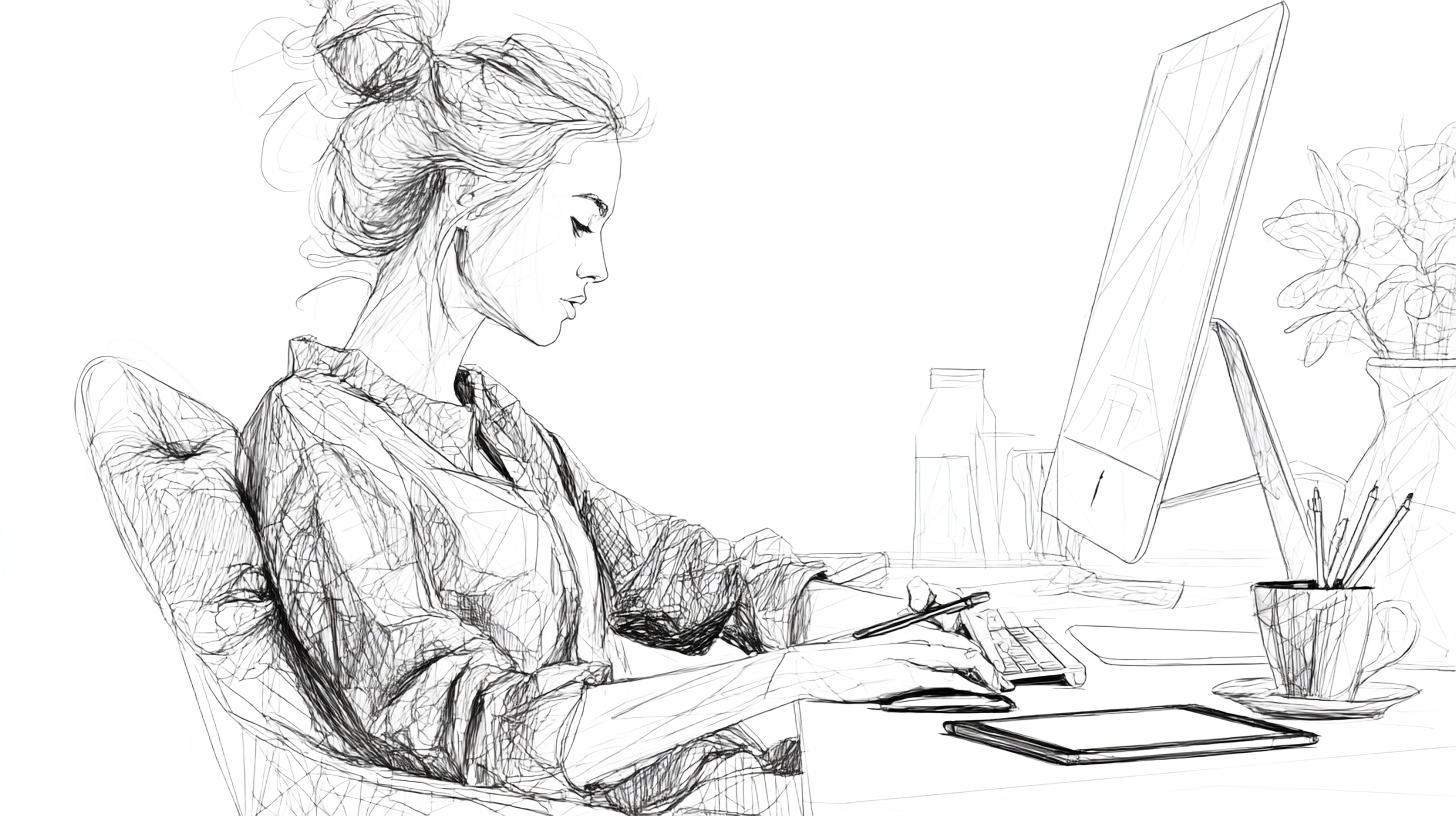
This isn’t just about feeling tired or sleepy. Staring at a screen for hours places an extra burden on your eyes and body that they weren’t built for. The constant focusing, the glare, and the pixelated characters on a screen all contribute to a collection of symptoms that can impact your comfort, focus, and productivity.(1)(2)
Let’s break down what your body is trying to tell you.
What is Computer Vision Syndrome (CVS)?
Computer Vision Syndrome, also referred to as digital eye strain, is a cluster of eye and vision problems resulting from prolonged computer, tablet, or smartphone use. The prevalence of CVS is quite high. According to research, it is estimated that up to 70% of computer users experience CVS-related problems, and its severity often correlates with the amount of screen time.(1)(2)(3)
The long-term outlook is even more significant: by 2050, nearly 5 billion people (which is more than half of the world population) could be affected by myopia, with a direct link to increased digital screen use. Researchers project that almost 1 billion of these cases will be high myopia.(4)
For children and adolescents, each additional hour of screen time may increase the risk of developing myopia by 20%, leading to potential long-term complications like macular degeneration, retinal detachment, and glaucoma.(5)
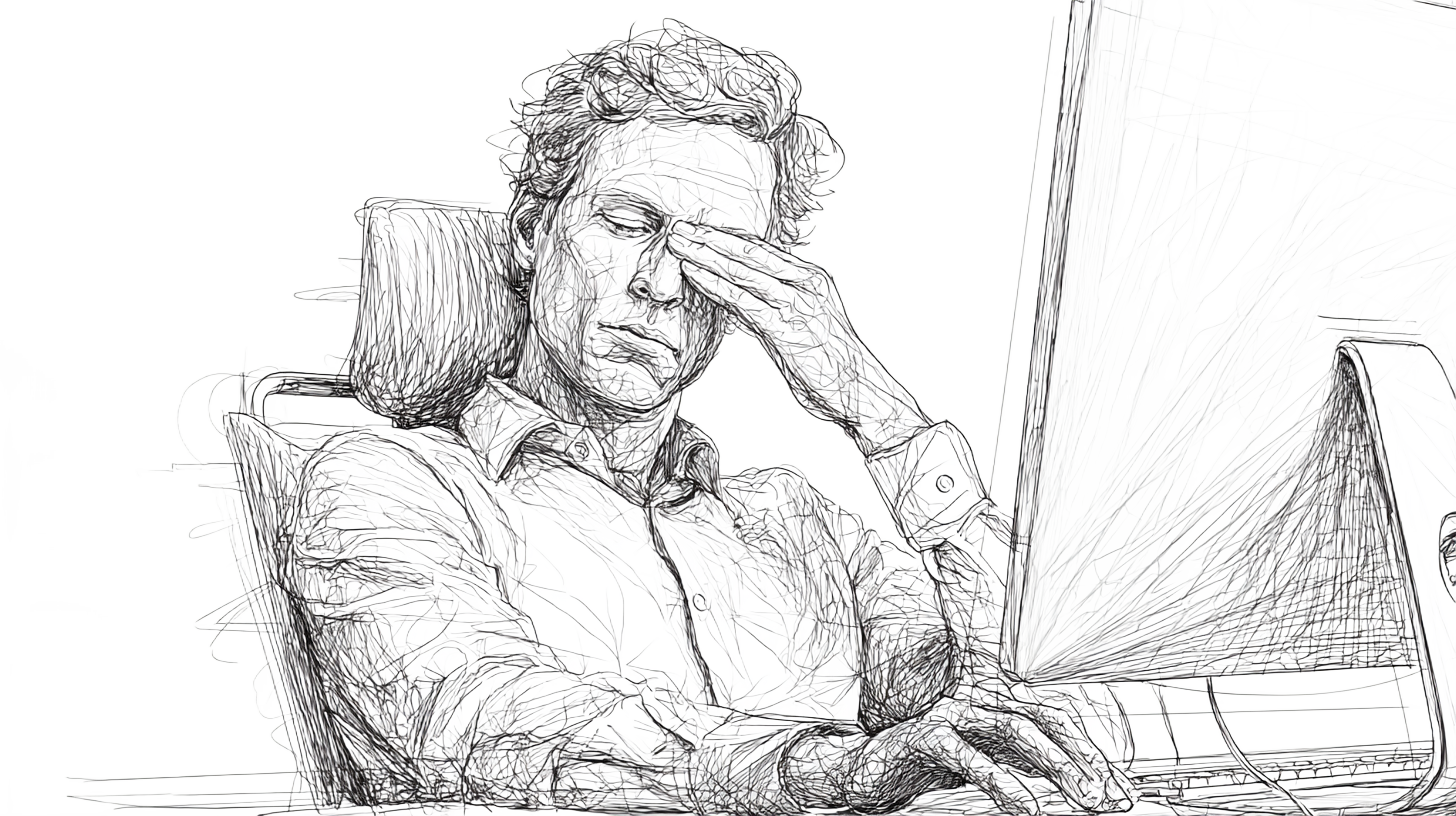
What Are The Symptoms of CVS?
Screens are visually demanding. They require constant focusing and refocusing, have pixelated edges that are harder to see, and usually sit at less-than-optimal heights or angles. As a result, we blink less while concentrating, which dries out the eyes, and we often slouch or crane our necks to view our devices, contributing to muscle strain.
Dry Eyes
The most common signs of digital eye strain often start with the eyes themselves. While staring at the screen, our blink rate decreases from a normal 15-20 blinks per minute to just 4-6. This leads to tear film evaporation, causing dry, gritty, and irritated eyes.(3)
This discomfort is often accompanied by eye fatigue, or asthenopia - which is that heavy, strained feeling you get when your eye muscles are overworked from constantly maintaining focus on tiny text and images.(1)
Visual Disturbances
Have you ever looked up from your laptop and noticed that the world beyond your screen is blurry for a few moments? This is another hallmark of CVS. Your eyes are designed to focus effortlessly on objects at varying distances, but when they are locked onto a screen for hours, the tiny muscles that control your lens can get stuck in "close-up" mode, also known as accommodative spasm.(6)
This can lead to both blurred vision and, in some cases, double vision.(1) This happens because the visual demands of a screen are different from a printed page; the lower contrast and lack of sharp edges force your eyes to work harder to maintain focus.(7)
Headaches
The discomfort doesn't stop at your eyes. Overworked eye muscles can also cause tension headaches that settle in your forehead and temples.(1) Several factors can make these headaches worse, including uncontrolled glare from a window or overhead lighting that forces you to squint, an environment that is too bright or too dark, or even a minor, uncorrected vision problem.(3)
Individuals with migraines may find that prolonged screen time acts as a trigger. This is primarily due to blue light, which can activate specific photoreceptors in the retina, contributing to light sensitivity and other factors that are known migraine triggers.(8)
Musculoskeletal Pain
Computer Vision Syndrome also impacts the rest of your body, often traveling down into your neck, shoulders, and back.(1) Poor posture is a major contributor to this physical pain. Hunching over your laptop for hours puts a significant strain on the muscles in your neck and upper back.
This sustained tension is what leads to the stiffness and soreness many of us feel after a long workday, also known as “tech neck.” Studies have found a strikingly high prevalence of neck, shoulder, and back pain among individuals with CVS symptoms.(7)
Other Symptoms to Watch For
While less common, some individuals may also experience dizziness, increased sensitivity to light, or a feeling of motion sickness after extended screen use. While CVS doesn't cause permanent damage to your eyes, these symptoms can certainly disrupt your quality of life and tank your productivity.(1)
It’s easy to dismiss these as just another “part of the job,” but over time, unaddressed CVS can decrease work performance and impact your overall well-being.
How Can You Prevent CVS?
Recognizing the symptoms is the first step; taking action is the next. The good news is that you can make a huge difference with small, consistent changes to your daily habits. You don't have to overhaul your entire life to find relief. Instead, here are some effective strategies to help you mitigate symptoms and maintain your long-term health:
1. Blink regularly
We often forget to blink when concentrating on a screen. Make a conscious effort to blink fully and frequently to keep your eyes moist. Here’s How Mindful Blinking Can Boost Productivity.
2. Take breaks
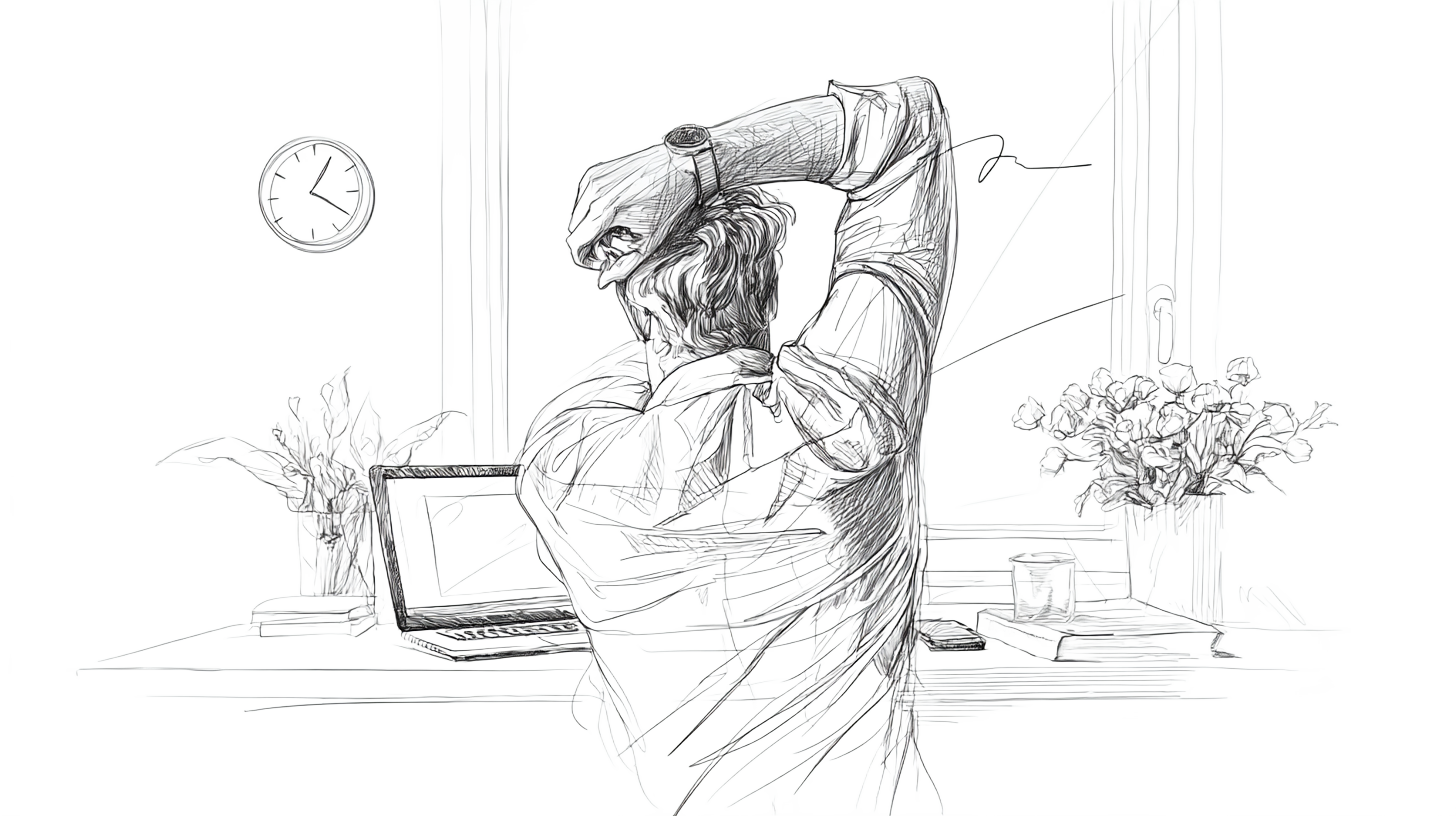
Beyond eye breaks, remember to stand, stretch, and move around every hour. This not only relieves muscle tension in your neck and shoulders but also boosts circulation and reduces fatigue. Read How Screen Time Impacts Your Brain's Vision Hub (and How to Recharge It)
3. Check your ergonomics
Proper setup is crucial for preventing neck and back pain. Ensure your chair is supportive, and position your monitor so the top of the screen is 10-20 degrees below eye level, keeping it about an arm's length away. Learn More About How You Can Fix Your Ergonomics Here.
4. Optimize lighting
Position your screen to avoid glare from windows or overhead lights. Use ambient lighting and, if needed, consider blue-light filters to reduce strain. Here’s How You Can Optimize Your Workspace.
5. Get regular eye checkups
Professional eye exams are vital for early detection of vision problems. Even a minor uncorrected issue can be magnified by extended screen use. Read How to Self-Assess Your Vision-Related Problems.
6. Watch your total screen time
Being mindful of your overall screen usage and scheduling breaks throughout the day pays dividends for both your physical and mental well-being. Tools or reminders (Like The Lumina System Being Developed By Wellness At Work) can also be helpful.
Take Back Your Comfort
Your body is an intelligent system, and CVS symptoms are simply its way of signaling that it needs a change. By understanding the why behind digital eye strain, you can move from enduring the discomfort to managing it.
Start with one small change today, like setting that 20-20-20 timer, and empower yourself to feel better, one break at a time.
References
(1): Al Abbad, H., Al-Saleh, A. A., Al-Jelaify, M. A., Al-Dossari, A. S., Al-Oqaili, A. F., & Al-Shamrani, A. F. (2022). Computer vision syndrome: Symptoms, risk factors, and practices. Journal of Family Medicine and Primary Care, 11(7), 3631. https://pmc.ncbi.nlm.nih.gov/articles/PMC11901492/
(2): Al-Dossari, A. M., Al-Abbad, H., Al-Saleh, A., Al-Jelaify, M., Al-Dossari, A., & Al-Oqaili, A. (2024). Computer vision syndrome: a comprehensive literature review. Cureus, 16(3). https://pmc.ncbi.nlm.nih.gov/articles/PMC9730965/
(3): Lapa, I., Ferreira, S., Mateus, C., Rocha, N., & Rodrigues, M. A. (2023). Real-Time Blink Detection as an Indicator of Computer Vision Syndrome in Real-Life Settings: An Exploratory Study. International Journal of Environmental Research and Public Health, 20(5), 4569. https://www.mdpi.com/1660-4601/20/5/4569
(7): Rosario-Ramos, Z., Ramirez-Giraldo, M., & Rodriguez-Perez, Y. (2023). Computer Vision Syndrome: A review of the literature. Ciencia y Tecnología Para la Salud Visual y Ocular, 21(1).
(4): Holden, B. A., Fricke, T. R., Wilson, D., Jong, M., Naidoo, K. S., Sankaridurg, P., Wong, T. Y., Naduvilath, T. J., & Resnikoff, S. (2016). Global prevalence of myopia and high myopia and temporal trends from 2000 through 2050. Ophthalmology, 123(5), 1036–1042. https://www.researchgate.net/publication/294139835
(5): Ha, A., Lee, Y. J., Lee, M., Shim, S. R., & Kim, Y. K. (2025). Digital screen time and myopia: A systematic review and dose-response meta-analysis. JAMA Network Open, 8(2), e2460026. https://pmc.ncbi.nlm.nih.gov/articles/PMC11846013/
(6): Manna, P., Karmakar, S., Bhardwaj, G. K., & Mondal, A. (2023). Accommodative spasm and its different treatment approaches: A systematic review. European Journal of Ophthalmology, 33(3), 1273-1286. https://pubmed.ncbi.nlm.nih.gov/36384286.
(8): Ambah, T., Abidoye, F. E., McCalla, C., & Kalejaiye, M. (2025). Digital Age Headaches: Exploring the Neurological Impact of Screen Time and Blue Light. International Journal of Clinical Studies and Medical Case Reports, 49(3), 1212. https://www.researchgate.net/publication/388729401