
Is it Just Tired Eyes or Digital Eye Strain?

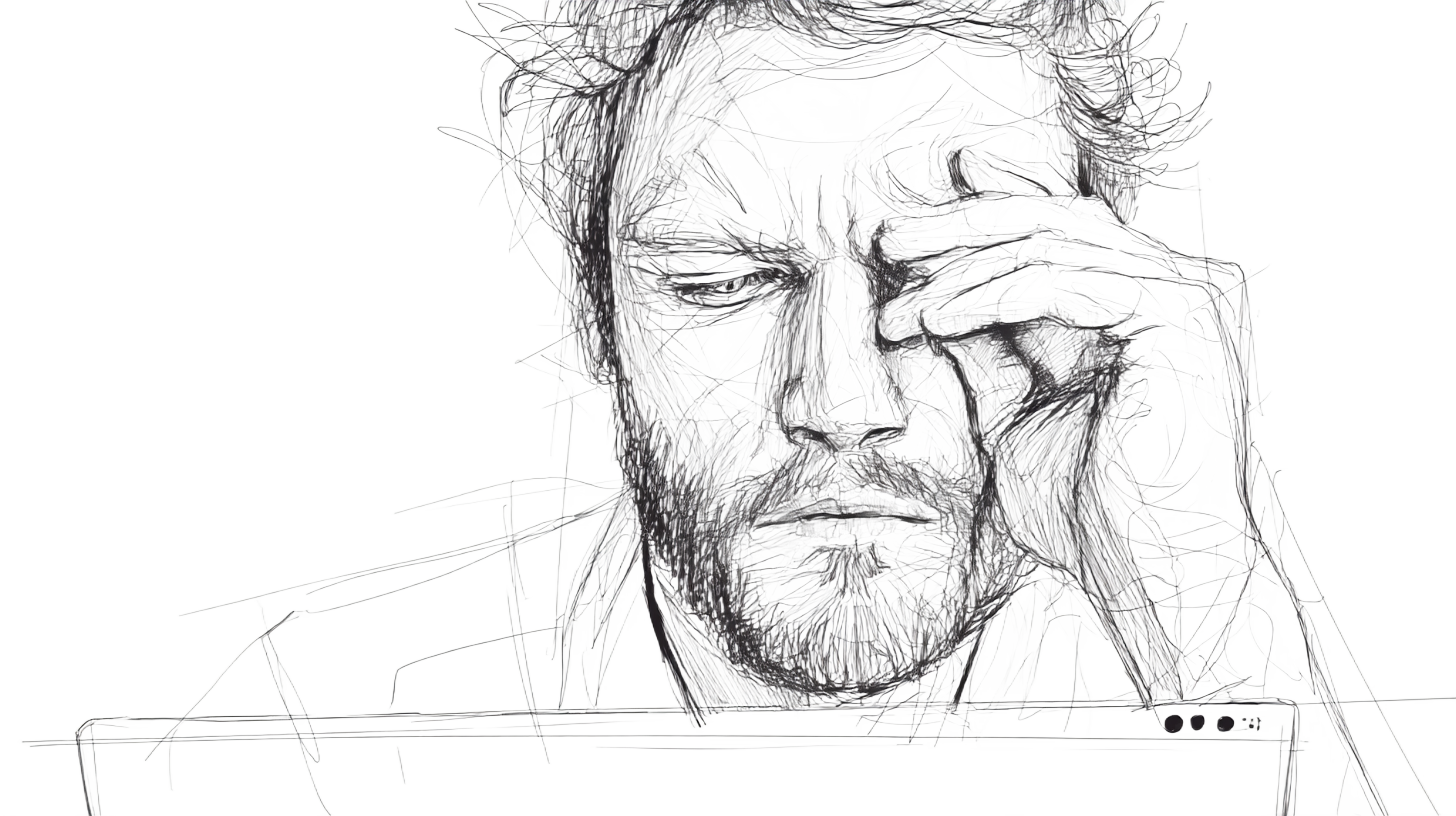
It’s nearly midnight, and James, a graphic designer, is still at his desk. His eyes are glued to the screen as he tries to finish one last tweak on a client project. He’s been at it for over 8 hours, switching between intricate design files and an endless stream of emails. James rubs his eyes, trying to shake off the dizziness. He assumes it’s just because he’s sleepy.
But the blurry vision that used to fade after a few hours has now turned into a sharp ache behind his temples. He rubs his eyes again. The glow from the monitor feels almost unbearable.
At first, James brushed it off assuming tired eyes felt like part of the job. But as he started to work late more days, the cycle of morning relief and evening discomfort became a daily pattern. Over time, the strain exacerbated until one night, he simply couldn’t focus on the screen. Panicked that he was losing his vision, he booked an eye test the very next day.
What he thought was ordinary fatigue turned out to be something more specific: Digital Eye Strain.

And James isn’t alone. With most of us spending hours each day on laptops, tablets, and phones, symptoms like dry eyes, headaches, and blurred vision have become all too common.
The question is: are you just tired, or are your eyes trying to tell you something more?
What Exactly is Digital Eye Strain (DES)
Digital Eye Strain or computer vision syndrome (cvs), describes a group of eye and vision-related problems that result from prolonged use of digital screens.(1) Estimates suggest that about 70% of computer users experience some form of DES symptoms.(1)(2) It’s a global concern, affecting everyone from office workers to students, and it has a substantial economic impact due to lost work productivity.
Symptom Recognition: Dry Eyes vs. Refractive Errors
DES symptoms occur because of different reasons, and that makes them easy to be mistaken for general fatigue. But once you know what to look for, you can start to address the root causes.
DES can be caused due to two reasons:
1. Dryness and Discomfort
These symptoms arise from issues with the surface of your eye itself. They occur because we blink less while staring at screens, which prevents our tear film from keeping the eyes moist.
Symptoms include:
-
Burning, irritation, or a gritty feeling
-
Dryness
-
Eye redness
-
Watery eyes (as your eyes try to compensate for the dryness)
Why do these happen? While staring at the screen, our blink rate decreases from a normal 15-20 blinks per minute to just 4-6. Fewer blinks mean your tear film, which helps keep your eyes moist, doesn't get refreshed often enough.(3) Plus, when you look straight ahead at a desktop monitor, your eyelids open wider than when you read a book (which usually involves looking downwards), exposing more of your eye surface to air and increasing tear evaporation.(2)
2. Refractive Errors
These symptoms arise due to the strain on your eye muscles, particularly those that control the lens for focusing. The prolonged effort can lead to:
-
General eyestrain and fatigue
-
Headaches, often felt behind the eyes
-
Blurred or double vision
-
Difficulty refocusing between near and far objects
Why do these happen? The characters on a screen are less defined than on a printed page, forcing your eyes to work harder to maintain focus. This constant focusing and refocusing is a workout for your eye muscles.
Also, when you have a pre-existing but uncorrected vision problem, this strain worsens. Vision issues like myopia (nearsightedness), astigmatism, or presbyopia (age-related near vision loss) force your eyes to work even harder, making these symptoms more severe. This is why proper vision correction is so important for managing digital eye strain.(4)
How to Self-Assess Your Vision-Related Problems
You can identify your vision-related problems with this simple self-assessment. The Computer Vision Syndrome Questionnaire (CVS-Q), developed by Seguí et al. in 2015, is a reliable tool designed to measure the frequency and intensity of symptoms related to computer use. A score of 6 or more on the full questionnaire suggests you likely have CVS.(2)
Take this simplified questionnaire to gauge your symptoms:
Symptom
Frequency (select one)
Intensity (select one)
Score
Eyestrain/tired eyes
▢ Never (0)
▢ Occasionally (1)
▢ Often (2)
▢ Not intense (0)
▢ Moderate (1)
▢ Intense (2)
Frequency x Intensity
Headaches
▢ Never (0)
▢ Occasionally (1)
▢ Often (2)
▢ Not intense (0)
▢ Moderate (1)
▢ Intense (2)
Frequency x Intensity
Blurred vision
▢ Never (0)
▢ Occasionally (1)
▢ Often (2)
▢ Not intense (0)
▢ Moderate (1)
▢ Intense (2)
Frequency x Intensity
Double vision
▢ Never (0)
▢ Occasionally (1)
▢ Often (2)
▢ Not intense (0)
▢ Moderate (1)
▢ Intense (2)
Frequency x Intensity
Difficulty focusing
▢ Never (0)
▢ Occasionally (1)
▢ Often (2)
▢ Not intense (0)
▢ Moderate (1)
▢ Intense (2)
Frequency x Intensity
Eye burning or stinging
▢ Never (0)
▢ Occasionally (1)
▢ Often (2)
▢ Not intense (0)
▢ Moderate (1)
▢ Intense (2)
Frequency x Intensity
Eye itching
▢ Never (0)
▢ Occasionally (1)
▢ Often (2)
▢ Not intense (0)
▢ Moderate (1)
▢ Intense (2)
Frequency x Intensity
Dryness
▢ Never (0)
▢ Occasionally (1)
▢ Often (2)
▢ Not intense (0)
▢ Moderate (1)
▢ Intense (2)
Frequency x Intensity
Eye redness
▢ Never (0)
▢ Occasionally (1)
▢ Often (2)
▢ Not intense (0)
▢ Moderate (1)
▢ Intense (2)
Frequency x Intensity
Watery eyes
▢ Never (0)
▢ Occasionally (1)
▢ Often (2)
▢ Not intense (0)
▢ Moderate (1)
▢ Intense (2)
Frequency x Intensity
Foreign body sensation (grittiness)
▢ Never (0)
▢ Occasionally (1)
▢ Often (2)
▢ Not intense (0)
▢ Moderate (1)
▢ Intense (2)
Frequency x Intensity
Dizziness
▢ Never (0)
▢ Occasionally (1)
▢ Often (2)
▢ Not intense (0)
▢ Moderate (1)
▢ Intense (2)
Frequency x Intensity
Neck and shoulder pain
▢ Never (0)
▢ Occasionally (1)
▢ Often (2)
▢ Not intense (0)
▢ Moderate (1)
▢ Intense (2)
Frequency x Intensity
Light sensitivity
▢ Never (0)
▢ Occasionally (1)
▢ Often (2)
▢ Not intense (0)
▢ Moderate (1)
▢ Intense (2)
Frequency x Intensity
Difficulty wearing contact lenses
▢ Never (0)
▢ Occasionally (1)
▢ Often (2)
▢ Not intense (0)
▢ Moderate (1)
▢ Intense (2)
Frequency x Intensity
Overall vision discomfort
▢ Never (0)
▢ Occasionally (1)
▢ Often (2)
▢ Not intense (0)
▢ Moderate (1)
▢ Intense (2)
Frequency x Intensity
Total Score
Sum of all
Note: This is a simplified version for informational purposes. The actual scoring and interpretation of the full CVS-Q are typically done by a healthcare professional. If your symptoms are frequent and intense, it's essential to get a comprehensive eye examination done by an eye specialist to accurately test your visual acuity and get a proper diagnosis.
How to Calculate and Interpret Your Score
For each symptom above, consider how frequently you experience it and how intense it feels during or after computer use. Here’s how to do it:
1. Assign a Number to Each Answer:
-
Start by giving each of your answers a number.
-
Frequency: "Never" gets a 0, "Occasionally" gets a 1, and "Often" gets a 2.
-
Intensity: "Not Intense" gets a 0, "Moderate" gets a 1, and "Intense" gets a 2.
2. Multiply for Each Symptom: For each of the symptoms you filled out, multiply your Frequency number by your Intensity number.
Severity Score = Frequency × Intensity
For example: For headaches, if you choose "Often" (2) and "Moderate" (1), your score for that symptom is 2×1=2.
3. Add it All Up: Now, add up the scores for all the symptoms. The total is your final CVS-Q score.

What Your Score Means
So, what does your total number tell you? A score of 6 or more points is a strong indicator that you likely have Computer Vision Syndrome. The score can also give you an idea of the severity:
-
Mild CVS: Score of 6-12
-
Moderate CVS: Score of 13-19
-
Severe CVS: Score of 20 or more
Remember: This self-assessment is a tool for awareness, not a diagnosis. A comprehensive eye exam done by a doctor is the only way to get a definitive diagnosis.
Why You Shouldn't Ignore Symptoms: Long-Term Risks and Vision Correction
In most cases, the discomfort from DES is temporary and subsides after you stop using a digital device. However, if the symptoms persist and you don't address the root cause, they may worsen existing eye conditions or increase your risk of developing certain eye diseases like age-related macular degeneration.(5)
A critical factor in DES is having uncorrected or undercorrected vision problems.(4) Even a minor issue with farsightedness or astigmatism can be aggravated by prolonged screen use. Hence, it’s important to get these issues corrected sooner.
Simple Self-Care for Your Eyes
While a professional eye exam is the best course of action for persistent symptoms, you can implement these simple strategies for immediate relief:
For Dry Eyes:
-
Blink Consciously: Make an effort to blink mindfully more often when using a screen. Blinking refreshes your tear film, helping prevent dry eyes.
-
Use Artificial Tears: For mild to moderate dry eye symptoms, lubricating eye drops can provide periodic relief by re-wetting the eye's surface.
-
Stay Hydrated: Hydration is essential for tear production. Ensure you're drinking enough water throughout the day.
For Eye Strain and Fatigue:
-
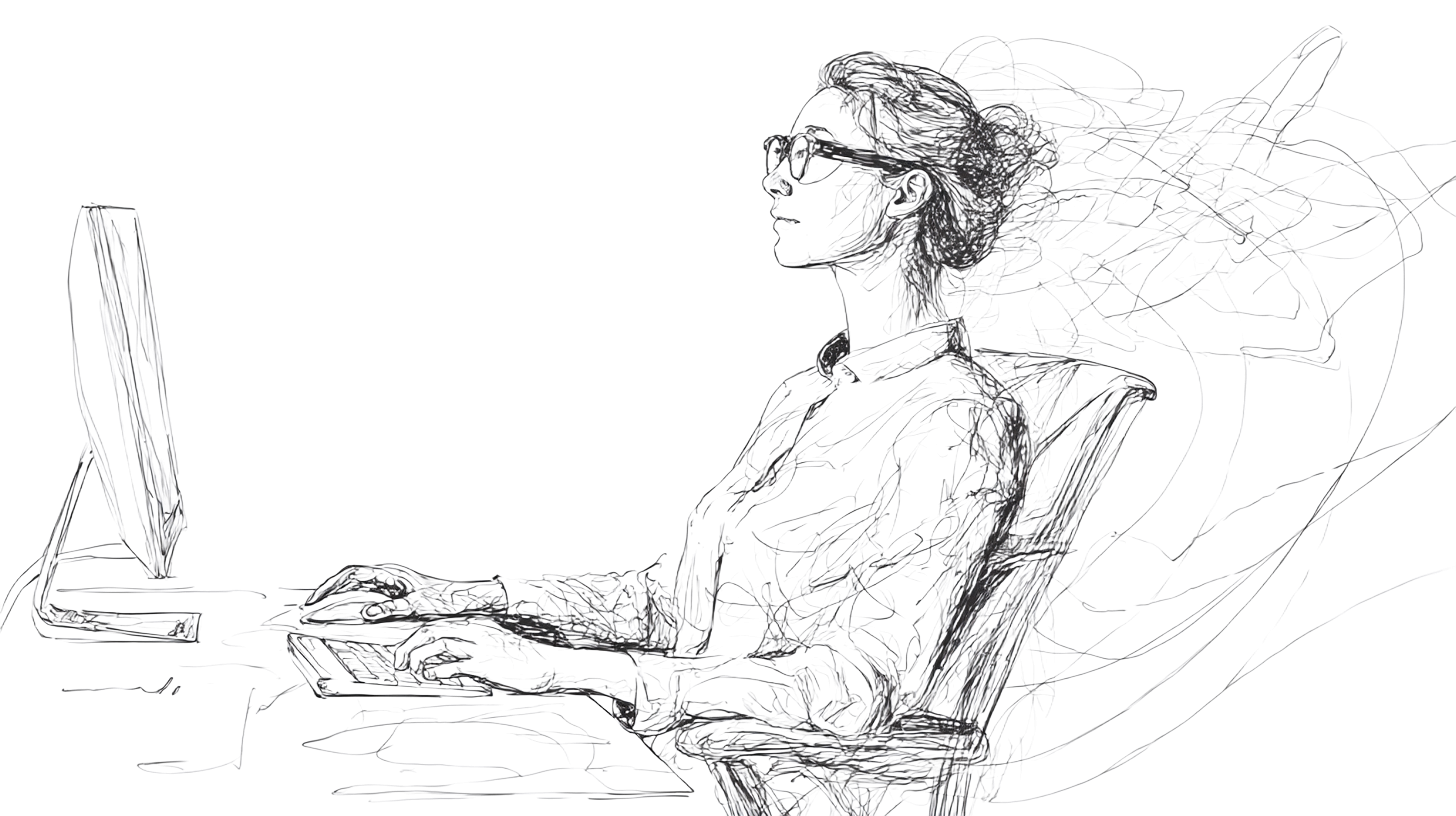
Optimize Your Screen and Display: Adjust your screen's brightness to match the ambient light in the room, and use a high-contrast setting with a comfortable font size. This reduces the strain on your eyes by making the text easier to read and preventing your eyes from working overtime.
-
Consider Specialized Eyewear: If you have uncorrected vision problems like myopia or spend many hours on a screen, computer glasses can be beneficial. They reduce the need for your eyes to constantly refocus, minimizing strain. You might also look into blue light filtering glasses or screen filters, which can reduce glare and improve contrast.
-
Do eye exercises: Eye exercises are a great way to give them a workout. Try a simple "pencil push-up" exercise: hold a pencil at arm's length, focus on the tip, and slowly move it towards your nose until it doubles. Do this a few times to practice refocusing.(6)
Take Action for Your Eyes
Don't dismiss eye discomfort as simple fatigue. Your first step should be to visit a doctor and get a proper professional evaluation done.
Your eyes are your windows to the world so prioritize their health in this digital age to ensure a lifetime of clear and comfortable vision.
References
(1): León-Figueroa, A. J., Arbaiza-Peña, K. L., & León-Figueroa, D. J. (2024). Prevalence of computer vision syndrome during the COVID-19 pandemic: a systematic review and meta-analysis. BMC Public Health, 24(1), 640.
(4): American Optometric Association. (2022). Computer Vision Syndrome. Retrieved from https://www.aoa.org/healthy-eyes/eye-and-vision-conditions/computer-vision-syndrome?sso=y
(3): Lapa, I., Ferreira, S., Mateus, C., Rocha, N., & Rodrigues, M. A. (2023). Real-Time Blink Detection as an Indicator of Computer Vision Syndrome in Real-Life Settings: An Exploratory Study. International Journal of Environmental Research and Public Health, 20(5), 4569.
(2): Pucker, A. D., Pucker, J. E., & Pucker, R. F. (2024). Digital Eye Strain: Updated Perspectives. Clinical Optometry, 16, 233-246.
(5): Bhattacharya, S., Heidler, P., Saleem, S. M., & Marzo, R. R. (2022). Let There Be Light—Digital Eye Strain (DES) in Children as a Shadow Pandemic in the Era of COVID-19: A Mini Review. *Frontiers in Public Health, *10, 945082.
(6): Pokaisasawan, A., Ajjimaporn, A., Thijanpiang, P., Jamkrajang, P., Jenchitr, W., & Ramyarangsi, P. (2023). The Acute Effects Of Pencil Push Up Training On Eyes Accommodation Convergence System In Healthy University Student. Journal of Sports Science and Technology, 23.