The Secret Superpower of Your Blink: How Mindful Blinking Can Boost Productivity
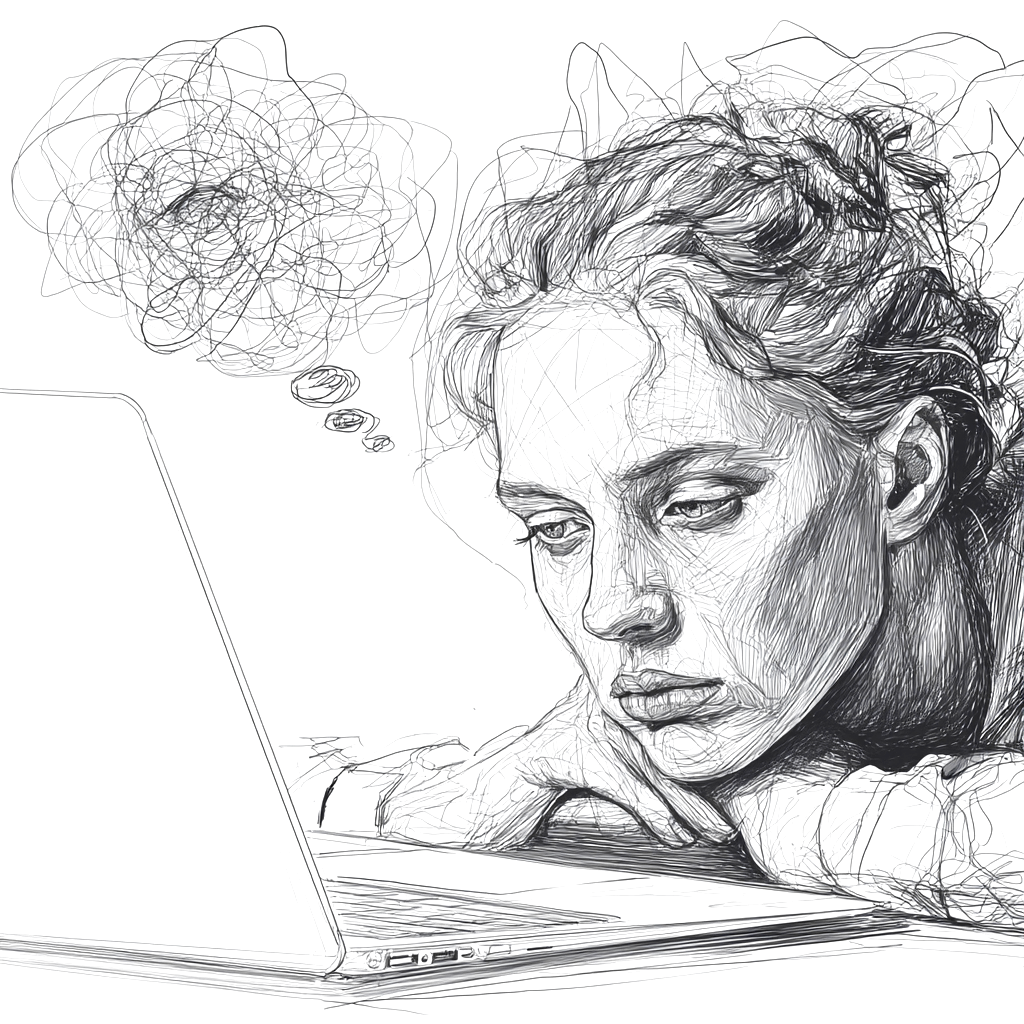
It’s 3 PM. Your inbox is still buzzing, but your eyes feel dry, your head hurts, and you’ve got a brain fog hitting right when you are close to reviewing final project timelines.
Maybe you’ve closed your eyes for a few seconds, or rubbed them a few times hoping that would help. Or maybe you’ve reached for eye drops to get some quick relief. If this sounds familiar, you’re not alone.
Take Emily, for instance. As a community manager, her job is to drive engagement on social media. This means she often works more than 8 hours in front of the screen, resulting in headaches and dry eyes by the end of the day. Similarly, James, a software developer, spends his day coding on multiple devices. His job requires him to work past 8 hours, leaving him with persistent headaches, irritated dry eyes, and a stiff neck by evening.
For professionals like Emily and James, who spend extended time switching between tasks and screens, eye problems aren’t just an annoyance. They are a productivity killer. What they, and many around the world are experiencing is called Computer Vision Syndrome or CVS. And it’s a growing epidemic affecting millions.
What is Computer Vision Syndrome?
CVS, also called digital eye strain, refers to a group of eye, vision, and physical problems that result from prolonged digital device use. (1)(2)
Its symptoms can be categorized into two main groups:
-
Ocular: These are eye-related symptoms such as burning, irritation, redness, blurred vision, and dry eyes.
-
Extra-ocular: These are symptoms that affect other parts of the body, like headaches, neck, and shoulder pain.
According to estimates, prevalence of CVS is high, with some reports indicating that up to 70% of computer users experience CVS-related problems, and its severity often correlates with the amount of screen time.(2)
But what if a simple bodily function can solve this problem and boost your efficiency? It's time to discover the secret superpower of your blink!
The "Screen Stare": Why Your Eyes Are Staging a Protest
Ever wondered why our eyes are struggling? The answer lies in how we interact with screens. Under normal circumstances, an average person blinks about 15 to 20 times per minute. With each blink, your eyes spread a fresh, lubricating layer of tears across the ocular surface. This tear film helps in clear vision by washing away debris and protecting against infection.
However, when you’re engrossed in a spreadsheet or focusing intently on the screen, your blink rate drastically drops. Studies show that the average blink rate can plummet from a relaxed 15-20 blinks per minute to as low as 4-6 blinks per minute during computer use. (3) This phenomenon, often called the "screen stare," means the tear film isn't being replenished, leading to faster evaporation and creating the dry eye feeling that many of us suffer from.
And this isn't a minor change. It's a significant reduction, sometimes as much as 60%. (3)

What happens when we don't blink enough?
Each blink is like a mini-spa treatment for your eyes. Fewer blinks mean less lubrication, leading to increased tear film evaporation, and this directly contributes to symptoms like dryness, burning, and grittiness.
Moreover, the characters on a digital screen are formed by tiny pixels that lack the sharp, well-defined edges of printed text. This forces your eyes to work harder to maintain focus, leading to constant focusing and refocusing that stresses eye muscles. This prolonged strain can result in eyestrain, blurred vision, and even headaches.
The economic impact of these visual symptoms is substantial, as they can lead to increased errors and reduced occupational efficiency. For a working professional, this can translate into missed details, slower decision-making, and overall decreased productivity.
Beyond Blinking: The Cognitive Connection
Interestingly, the problem isn't just looking at a screen; but also the mental effort involved.
Research indicates that tasks requiring high cognitive load like problem-solving, intensive reading, or active listening during a video call are directly linked to a lower blink rate. In such a state, your brain makes an effort to absorb as much information as possible, while telling your eyes to stay open. This connection between cognitive load and blink patterns indicates that the intensity of your work directly affects your ocular well-being. (3)
Your Secret Weapon: Mindful Blinking (and More!)
The good news? CVS is largely preventable and treatable. By consciously incorporating simple habits into your daily routine, you can significantly improve your eye health as well as productivity.
Here are some actionable tips you can start applying today:
-
**Practice the 20-20-20 Rule: ** Clinical optometrists recommend the "20-20-20 rule". Every 20 minutes, look at an object 20 feet (about 6 meters) away for 20 seconds. Take regular breaks to relax your eyes and remember to blink fully and intentionally during this time to re-wet your eyes.

-
Optimize Your Workspace: Position your screen 20 to 28 inches (50-70 cm) away, with the top 15 to 20 degrees (4-5 inches or 10-13 cm) below eye level. This viewing angle can reduce visual and musculoskeletal discomfort, including dry eyes and neck/back pain. Ensure window light is to the side and adjust room lighting to minimize glare.

-
Maintain Optimum Hydration: Use lubricating eye drops periodically to re-wet your eyes and maintain tear balance. It’s also important to stay hydrated by drinking enough water throughout the day for tear production. If symptoms persist, consult an eye care professional.
-
Create a "Blink Break" Habit It's easy to forget to take breaks when you’re in the midst of a busy workday. Set simple reminders on your phone, computer, or even a sticky note with "BLINK" to prompt you every 20-30 minutes. The goal is to make mindful blinking a consistent part of your routine.
-
Consider Environmental Factors Lastly, pay attention to room conditions. Low humidity, ventilation fans, and dust particles in office spaces can dry your eyes. Simple changes, such as using a humidifier, adjusting the thermostat, or avoiding smoke, can help. Additionally, a warm eyelid massage can stimulate tear glands for those who work on screens for more than 3 hours daily.
The Future is Watching (and Helping)
Looking ahead, technology may soon offer sophisticated ways to combat CVS. Researchers are developing smart systems that can use computer webcams to detect your blink rate, providing personalized feedback and reminders to blink more or take breaks. (3)(4)

Conclusion
In this digital age, your eyes are one of your greatest assets, especially when your job demands constant screen engagement. Therefore, understanding the impact of screen time on your blinking patterns and ocular health is the first step towards digital wellness.
By consciously integrating mindful blinking, optimizing your workspace, hydrating your eyes, and embracing future tech that supports your visual health, you're not only preventing discomfort but also boosting your productivity, reducing end-of-day exhaustion, and empowering your performance as a working professional.
So don't let your eyes stage a protest. Give them the superpower they deserve: the mindful blink.
References
(1): Blehm, C., Vishnu, S., Khattak, A., Mitra, S., & Yee, R. W. (2005). Computer Vision Syndrome: A Review. Survey of Ophthalmology, 50(3), 253–262.
(2): Sheppard, A. L., & Wolffsohn, J. S. (2018). Digital eye strain: prevalence, measurement and amelioration. BMJ Open Ophthalmology, 3(1), e000146.
(3): Lapa, I., Ferreira, S., Mateus, C., Rocha, N., & Rodrigues, M. A. (2023). Real-Time Blink Detection as an Indicator of Computer Vision Syndrome in Real-Life Settings: An Exploratory Study. International Journal of Environmental Research and Public Health, 20(5), 4569.
(4): Hwang, Y., Shin, D., Eun, J., Suh, B., & Lee, J. (2021). Design Guidelines of a Computer-Based Intervention for Computer Vision Syndrome: Focus Group Study and Real-World Deployment. Journal of Medical Internet Research, 23(3), e22099.