
More Than Just 'Screen Burn': How Your Digital Habits Are Fueling Dry Eye Disease
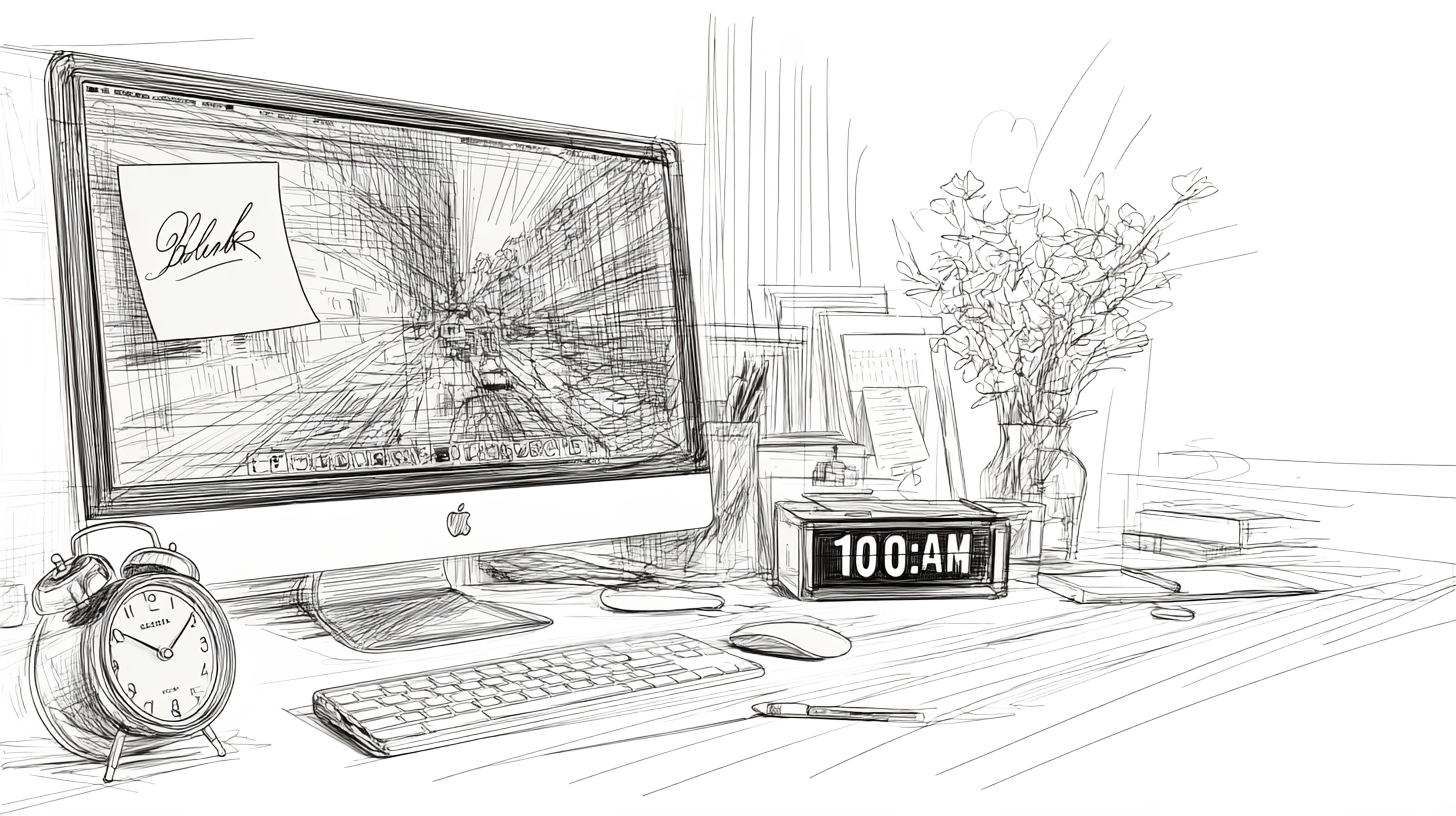
Just last week, Sarah, a medical student, called her mother, sounding utterly frustrated. Despite regular visits to her eye doctor to combat the dryness she was experiencing from long hours in front of the computer, her symptoms just wouldn't go away.
"I don't know what's going on," she sighed. "My eyes feel gritty and tired all the time. It's like they're burning and stinging, and no matter how much I rub them, they still feel dry. My vision even gets blurry sometimes. It’s a struggle to focus on anything, even after a good night's sleep. Is it just 'screen burn' or something more serious?"
The doctor Sarah had seen recommended a few tips to combat her visual fatigue: she applied lubricating eye drops regularly, went to bed early, and practiced eye exercises. But the symptoms of dry eye still lingered.
Sarah's experience isn't unique. In our hyper-connected world, where screens are extensions of our work, learning, and social lives, many professionals are silently battling a similar, unexplained eye discomfort.
What Sarah and perhaps many of us are experiencing goes beyond simple "screen burn." It's often a sign of a very real, chronic condition: Dry Eye Disease.

What is Dry Eye Disease?
Dry Eye Disease is a progressive, multifactorial disorder affecting our tears and the surface of our eyes, leading to symptoms like discomfort and visual disturbance. It's a growing public health concern worldwide.
For those of us glued to digital devices, the numbers jump even higher. In fact, an estimated 70% of computer users experience some form of Computer Vision Syndrome (CVS), also known as Digital Eye Strain (DES), a collection of eye and vision-related problems directly linked to prolonged digital device use.(1) While CVS is a broad term, Dry Eye Disease is a major component of it, with its prevalence among computer users reported to be as high as 50%, significantly more than in the general population.(2)
The Connection Between Dry Eye Disease And Screen Use
So why does staring at a screen cause our eyes to feel so dry? The root of the problem lies in our digital habits, specifically how we blink or rather, how we don't blink when staring at screens. Normally, we blink about 15-20 times per minute, a crucial action that spreads a fresh, protective layer of tears across our eyes, maintaining moisture and ocular surface integrity.
However, studies reveal that when we're engrossed in screen-based tasks, our blink rate can dramatically decrease, sometimes by as much as 60%, plummeting to a mere 4-6 blinks per minute.(1) Not only do we blink less frequently, but our blinks often become incomplete, failing to fully cover the corneal surface. This reduced and inefficient blinking leads to increased exposure of the ocular surface and faster tear film evaporation, which directly causes dry eyes.
This constant stress on our eyes can even be measured. Think of it like a pain scale, but for your eyes. Researchers use a symptom score, called "The Computer Vision Syndrome Questionnaire (CVS-Q)" to track how bad a person's digital eye strain symptoms are [You can measure your CVS score here]. The higher the score, the worse the discomfort. A study showed that for every additional blink per minute, a person's CVS symptom score can drop by 1.26 points, highlighting the direct impact of blinking on eye comfort.(1)
This isn't just subjective discomfort. Objective clinical measures clearly demonstrate the impact. For instance, Tear Break-Up Time (TBUT), which measures how long our tear film remains stable before breaking up, significantly decreases with prolonged computer exposure.(3) A shorter TBUT indicates an unstable tear film, a hallmark of dry eye disease. Similarly, Ocular Surface Staining (OSS)* test*, which reveals damage to the eye's surface, shows a positive correlation with years of computer exposure, meaning more screen time often leads to more visible damage.(3)
Dry eye disease isn't just a minor annoyance; it can profoundly impact our quality of life, affecting visual function, comfort, and even work productivity. The good news is that dry eye disease linked to digital habits is largely preventable and manageable. Small, consistent changes in your routine can make a huge difference in protecting your precious eyesight. Let's dive into some actionable strategies.
Actionable Strategies to Combat Dry Eye Disease
Reboot Your Blinking Habits
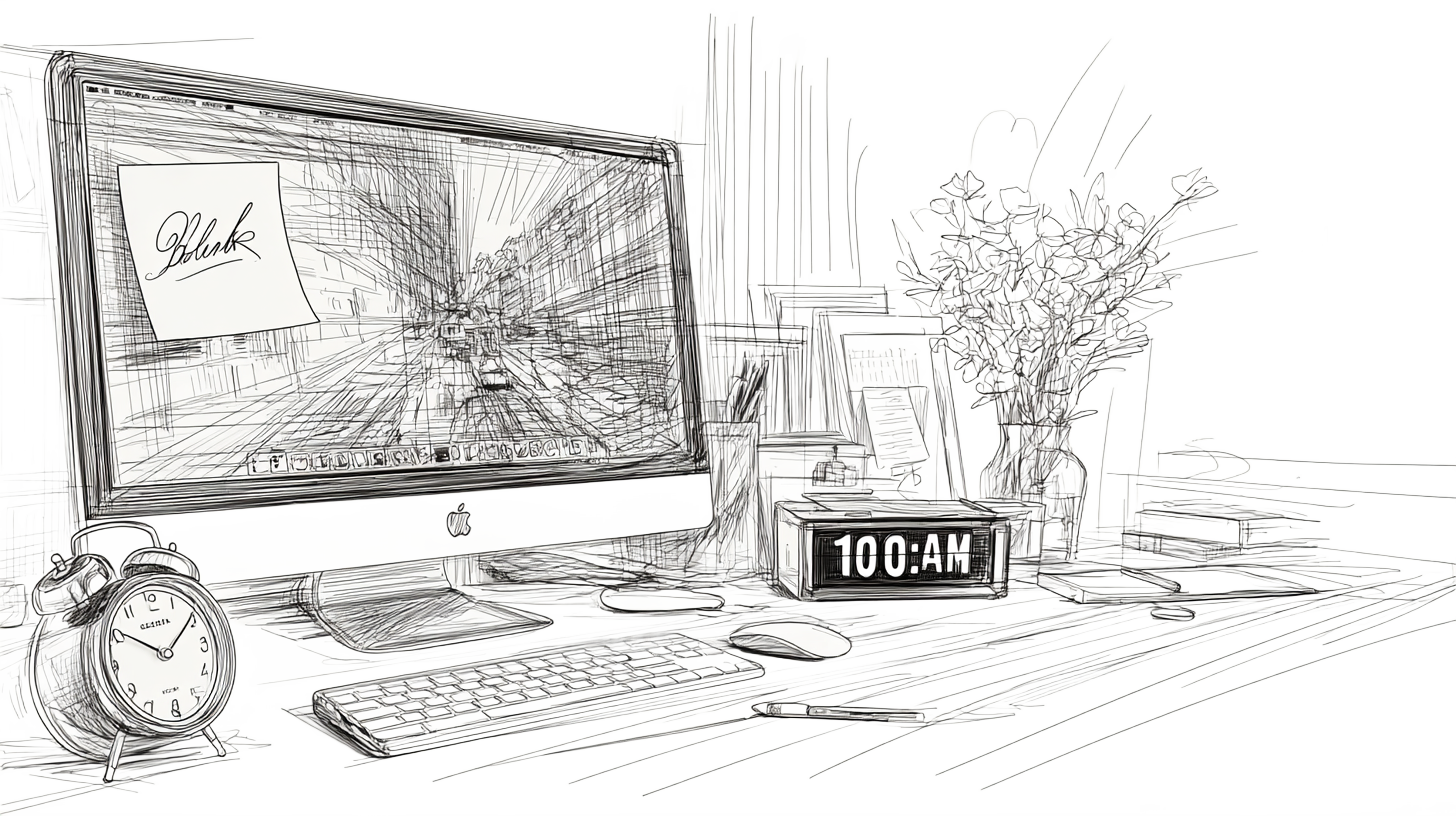
Since inefficient blinking is a major culprit in digital eye strain, let's make blinking a conscious and deliberate effort. It's easy to forget to blink when you're deeply focused, so a good strategy is to create a "Blink Reminder" habit. Every 20 to 30 minutes, pause and remind yourself to blink fully and intentionally. You can set an alarm on your phone, use an app, or even put up a sticky note at your desk that says "Blink" for that.
You can also try a simple exercise: tightly close your eyes for two seconds, then squeeze them together for another two seconds before opening them. Repeating this a few times can help properly spread the tear film and stimulate the oil glands in your eyelids. This simple, mindful practice can be a powerful tool for rehydrating your eyes and fighting digital eye strain throughout your workday.
Apply Eye Drops and Warm Compresses
When symptoms do flare up, these can offer relief.
Artificial Tears: Over-the-counter preservative-free artificial tears can provide temporary relief from dryness and irritation. However, it's important to know what kind of drop is right for you. Basic artificial tears often contain ingredients like Carboxymethylcellulose (CMC), which are great for mild dryness. If your symptoms are more intense, a thicker drop with a higher viscosity, sometimes containing ingredients like Sodium Hyaluronate, might be a better choice. Proactively using them before and after a long screen session can help a lot.
Warm Compresses: A warm, moist compress placed over closed eyes for 5-10 minutes can help soothe irritation and stimulate oil glands in the eyelids, which are crucial for a healthy tear film. This is also a primary treatment for Blepharitis, a common condition that causes inflammation of the eyelids and often accompanies dry eye.
Add Essential Nutrients to Your Diet

What you eat can also impact your eye health. While we often focus on external solutions, nourishing your eyes from within is a powerful way to combat the effects of digital eye strain.
Incorporating foods rich in *Omega-3 fatty acids *found in sources like salmon, flaxseeds, and walnuts can help improve the quality of your tears and reduce inflammation. These healthy fats are crucial for the oily outer layer of our tears, which prevents them from evaporating too quickly.
Beyond Omega-3s, a holistic diet rich in other key nutrients is vital. Lutein and Zeaxanthin, found in leafy greens like spinach and kale, act like natural sunglasses, filtering out harmful blue light from screens. Vitamin A, found in carrots and sweet potatoes, is essential for maintaining a healthy cornea. Meanwhile, Vitamin C (citrus fruits, bell peppers) and Vitamin E (nuts, seeds) act as antioxidants, protecting the delicate structures of your eyes from damage caused by free radicals.
Optimize Your Screen Settings
While blinks and breaks are crucial, your screen's settings also play a powerful role in eye comfort. A screen that is too bright or too dim for your environment forces your eyes to work overtime, leading to fatigue and discomfort.
Here are a few smart adjustments you can make to create a more eye-friendly environment:
Adjust Brightness: Set your screen's brightness to match the ambient light of the room. Your display shouldn't be a glaring source of light in a dark room or a dim, unreadable screen in a bright one.
Use Low Blue Light Settings: Most modern devices have a built-in "Low Blue Light" or "Night Light" feature. Enabling this, especially in the evening, can reduce the harshness of the screen and help improve sleep quality.
Increase Font Size and Contrast: Make text larger and more legible to reduce the constant strain on your eye muscles. A higher contrast between text and background can also make reading significantly easier.
For a deeper dive into optimizing your screen settings and even choosing the right monitor to protect your eyes, read our full blog post How Smart Screen Settings Can Help You Minimize Digital Eye Strain.
Take Short Breaks
Your eyes need true rest, not just a quick glance at your phone. Taking regular breaks is one of the most effective ways to reduce digital eye strain, as your eyes just like the rest of your body need a moment to relax and refocus.
Remember that "mini-breaks" are game changers when it comes to recharging. Try taking short breaks every hour. Use this time to grab a drink, stretch, or look out a window, allowing your eyes to truly relax. If possible, a short 15-20 minute power nap can work wonders for tired eyes and overall energy. For a more complete reset, incorporate "weekend detox" periods by engaging in hobbies that don't involve screens.
To learn more about how to incorporate mini-breaks into your workday to improve your well-being, read The Ultimate Guide to Taking Micro-Breaks at Work.
Get Enough Quality Sleep

Sleep is one of the most powerful things you can do for your eyes. As you rest, your eyes are able to repair and rejuvenate themselves from a day of constant work. This is when your body restores the tear film, which is essential for keeping your eyes moist and comfortable, and it's when inflammation from environmental factors like screens and pollutants is minimized.
For a deeper dive into how to create a sleep routine that benefits your eye health and overall well-being, check out our blog post on The Link Between Sleep and Digital Wellness.
Prioritize Regular Eye Exams
Many vision problems, including dry eye, can go unnoticed without a professional evaluation. Regular, comprehensive eye examinations are crucial for early detection and management of dry eye disease and other computer vision-related issues. Your eye doctor can also provide personalized advice and treatment options.
Conclusion

Just like Sarah, you might be experiencing dry eye symptoms without fully understanding why. But now you know: your digital habits, especially your blinking patterns and workstation setup, are powerful factors.
Dry eye disease isn't just an inconvenience; it can truly diminish your comfort and productivity. The good news is, you have the power to change this narrative. By incorporating these simple, evidence-based strategies into your daily routine, you're not just treating symptoms; you're proactively safeguarding your long-term eye health.
So, let's turn "screen burn" into "screen smarts" and give our eyes the care they deserve.
References & Further Reading
(1): Lapa, I., Ferreira, S., Mateus, C., Rocha, N., & Rodrigues, M. A. (2023). Real-Time Blink Detection as an Indicator of Computer Vision Syndrome in Real-Life Settings: An Exploratory Study. International Journal of Environmental Research and Public Health, 20(5), 4569. https://pubmed.ncbi.nlm.nih.gov/36901579/ https://www.mdpi.com/1660-4601/20/5/4569
(2): Chan, C., Ziai, S., Myageri, V., Burns, J. G., & Prokopich, C. L. (2021). Economic burden and loss of quality of life from dry eye disease in Canada. BMJ Open Ophthalmology, 6(1), e000709. https://pmc.ncbi.nlm.nih.gov/articles/PMC8444260/
(3): Sánchez-Valerio, M. R., Mohamed-Noriega, K., Zamora-Ginez, I., Baez Duarte, B. G., & Vallejo-Ruiz, V. (2020). Dry eye disease association with computer exposure time among subjects with computer vision syndrome. Clinical Ophthalmology, 14, 4311–4317. https://pubmed.ncbi.nlm.nih.gov/33335383/