Yellow Light Focus Hack: The Essential Fix for Screen-Time Professionals

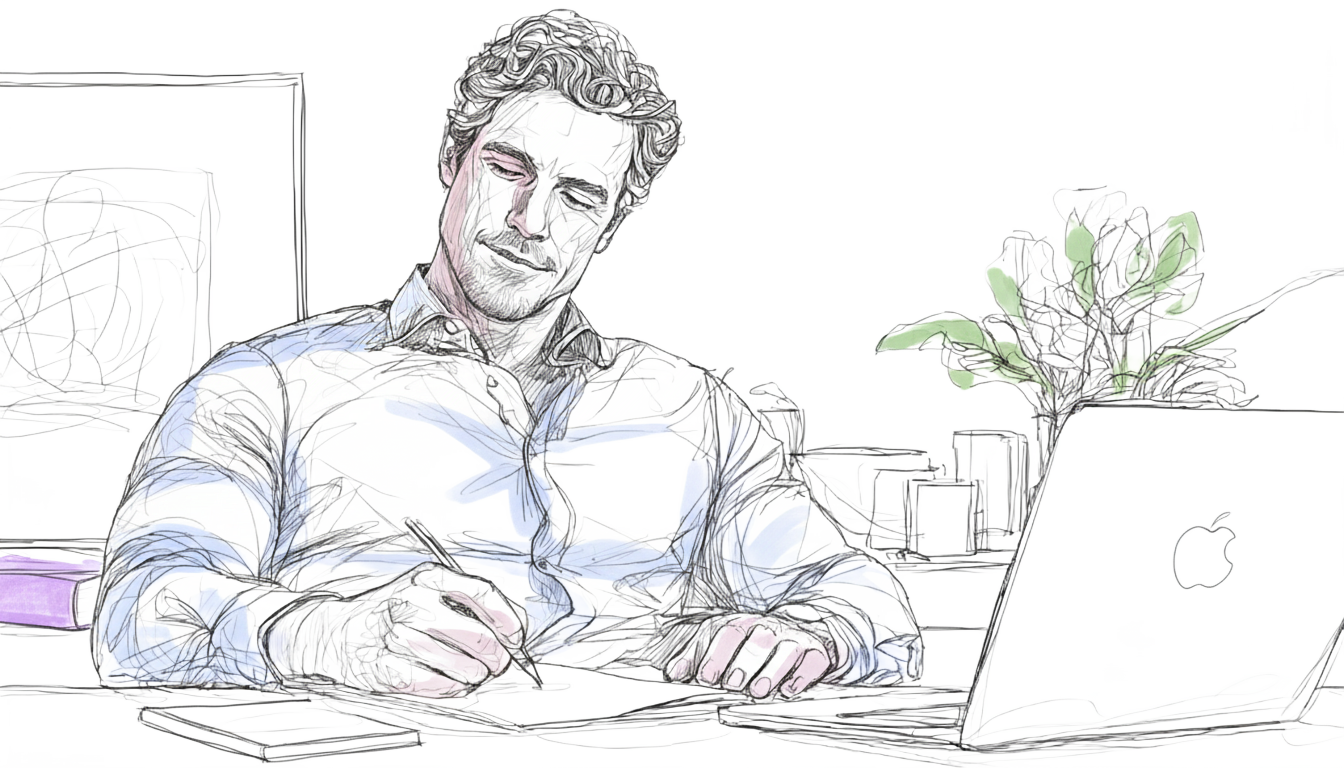
You're a professional clocking long hours, chasing deadlines, and often working late. By the end of the day, you know the debilitating symptoms: that crushing pressure behind your eyes, the dull headache, and the persistent, stinging dryness. These are the classic signs of Computer Vision Syndrome (CVS).
For countless professionals, long hours glued to digital screens are an unavoidable reality. However, this constant digital engagement often comes with health concerns like eye strain, headaches, and a frustrating drop in focus that kills productivity.
The solution isn't costly gear like blue light blocking glasses or simply dimming your screen (which often sacrifices clarity without changing the light's harsh color temperature). The simplest, most effective, and scientifically backed change you can make is shifting your screen's display to a warmer, softer yellow hue. This screen setting is your dual-action strategy to reduce eye strain and enhance productivity.
Why Blue Light Makes Your Eyes Work Harder
The source of your eye fatigue lies in the short-wavelength blue light that dominates modern screens. This high-energy light forces your eyes into a state of constant, exhausting tension.
Decoding the White Light Problem
When you look at your computer, tablet, or phone, you see what appears to be white light. However, modern LED screens generate this "white" light using a blue LED covered by a yellow phosphor coating. The light reaching your eye is a full spectrum mixture, but it is intensely rich in the high-energy, short-wavelength blue light component. It is this high concentration of blue light within the otherwise "white" output that leads to our central problem: light scatter and strain.
The Core Mechanism: Reduced Light Scatter
Think of your eye as a sophisticated camera lens. Different colors (wavelengths) of light bend and scatter at slightly different angles as they pass through, a phenomenon called chromatic aberration. Blue light, with its shorter wavelength, bends and scatters more sharply and broadly than warmer wavelengths. So when your screen is blue-rich, your focusing muscles (the ciliary muscles) must constantly work overtime to bring all those light rays into a single, sharp focus.
The Simple Takeaway: Warmer light means less scattering, which means less effort for the eye, leading to less strain and higher contrast. By shifting to yellow, you instantly reduce this focal disparity and relieve the muscular tension that causes headaches and strain.
Relief from Digital Strain
The shift to a warmer color palette (lower Correlated Color Temperature, or CCT) provides relief from the primary symptoms of computer vision syndrome, allowing you to sustain focus longer.

Proven Relief from Visual Fatigue
By filtering out the most energetic blue light peaks, the warmer CCT instantly reduces the focal disparity caused by chromatic aberration, allowing your ciliary muscle to finally relax.
Studies examining working environments consistently show that Correlated Color Temperature (CCT) is the single greatest factor influencing the degree of computer work fatigue reported by users.(1) By targeting CCT, you are addressing the root cause of your strain, enabling you to work longer and more comfortably.
Mitigating Dry Eyes
The burning and itching caused due to dry eyes are worsened by the high contrast created by blue-tinted screens in dim environments. This also suppresses your blinking reflex leading to further dryness. A warmer screen environment is gentler on your visual perception.
A 2023 study evaluating sustained attention tasks found that participants preferred and reported better subjective comfort with lower CCT (warmer) light conditions.(2) When your visual environment is comfortable, you are less prone to the glare and discomfort that suppresses your natural blinking. This helps mitigate the onset of dry eye symptoms.
The Wellness Bonus: Protecting Tomorrow's Focus
While the immediate visual relief is vital, the yellow light hack also secures your sharpest focus for tomorrow by protecting your sleep cycle.
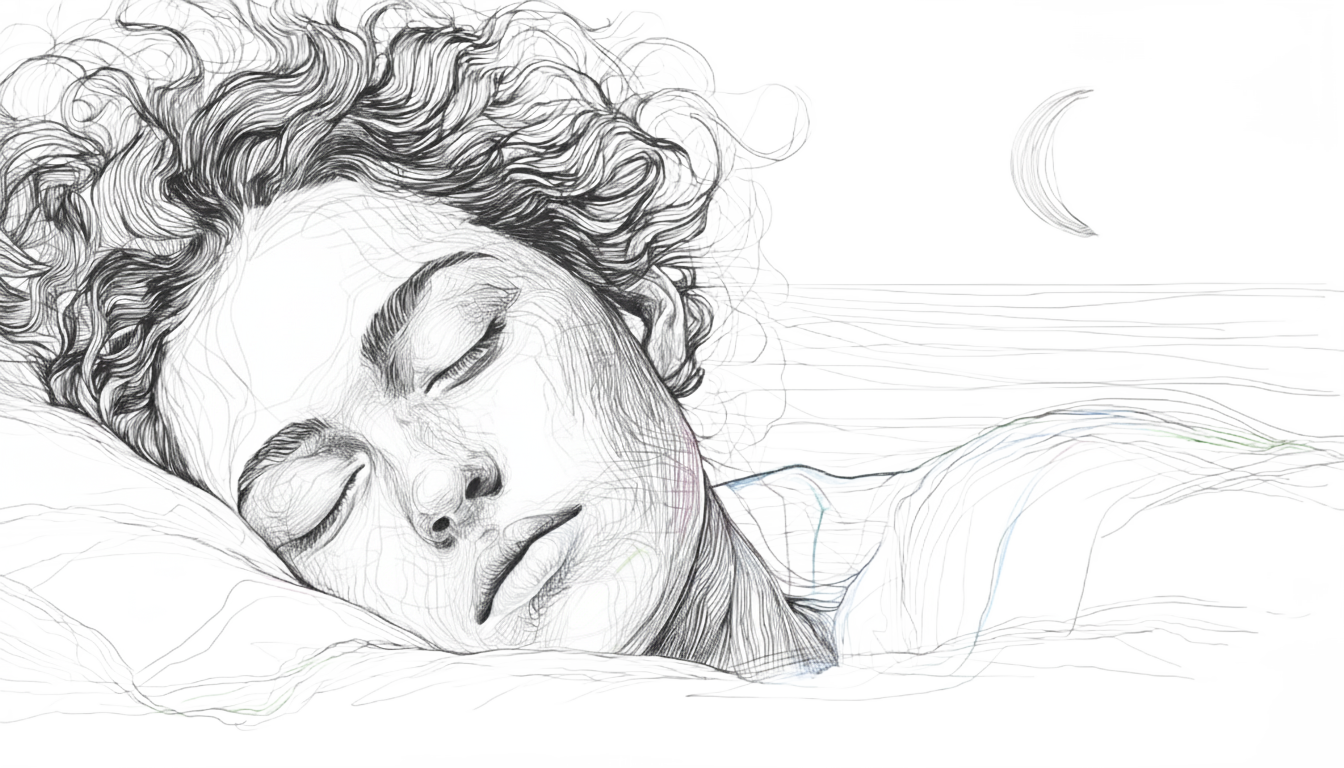
The body’s master clock, your circadian rhythm, uses light to determine the time of day. When digital devices flood your eyes with blue light in the evening, your brain misinterprets it as noon. This exposure suppresses the sleep hormone melatonin, and delays your natural wind-down. Research indicates that blue light can drastically shift your circadian rhythm by up to three hours.(3)(4)
So when your screen shifts to a warmer setting, it significantly reduces the blue light signal. This allows your natural melatonin release to begin on time and your body gets ready for that restorative sleep. So the next morning you wake up with a peak cognitive performance and fresh eyes.
Your Actionable Yellow Light Checklist
Implement this strategy consistently for maximum benefit.
Actionable Step
Why It Works
Schedule the Shift (The 2-Hour Rule)
Activates Night Shift/Night Light 2 hours before bed - the critical window for initial melatonin production.
Choose the Warmest Hue
Manually adjust the Color Temperature to the warmest setting (ideally below 3000K) to maximize the reduction of light scatter.
Match Brightness to Ambient Light
A bright screen in a dark room dramatically increases strain and dryness. Match the display to your room's illumination.
Optimize Dark Mode
Use yellow or white text on a dark background; this combination is proven to be the most effective for reducing visual fatigue in low light.
Conclusion: Stop Straining, Start Sustaining
Stop letting digital eye strain drain your productivity and energy. The yellow light is more than a screen setting. It’s a science-backed ergonomic upgrade that works with your eyes’ natural mechanics.

By minimizing the visual stress caused by blue light, you are ensuring deep focus, reduced physical discomfort, and a good night sleep. This simple change is the best option to turn a stressful work session into a more comfortable, productive experience.
So go ahead, set your screen for sunset tonight, and reclaim your focus tomorrow.
References & Further Reading
-
Fang, Y., et al. (2022). A study of the effects of different indoor lighting environments on computer work fatigue. International Journal of Environmental Research and Public Health, 19(11), 6866.
-
Fu, X., et al. (2023). The effect of correlated color temperature and illumination level of LED lighting on visual comfort during sustained attention activities. Sustainability, 15(4), 3826.
-
Baron, J., et al. (2023). Modeling the influence of nighttime light on melatonin suppression in humans: Milestones and perspectives. Journal of Photochemistry and Photobiology, 16, 100199.* *
-
Lockley, S. W., Brainard, G. C., & Czeisler, C. A. (2003). High sensitivity of the human circadian melatonin rhythm to resetting by short wavelength light. The Journal of Clinical Endocrinology & Metabolism, 88(10), 4502–4505.