
Why Your Eyes Feel So Tired: Unpacking the Causes of Computer Vision Syndrome
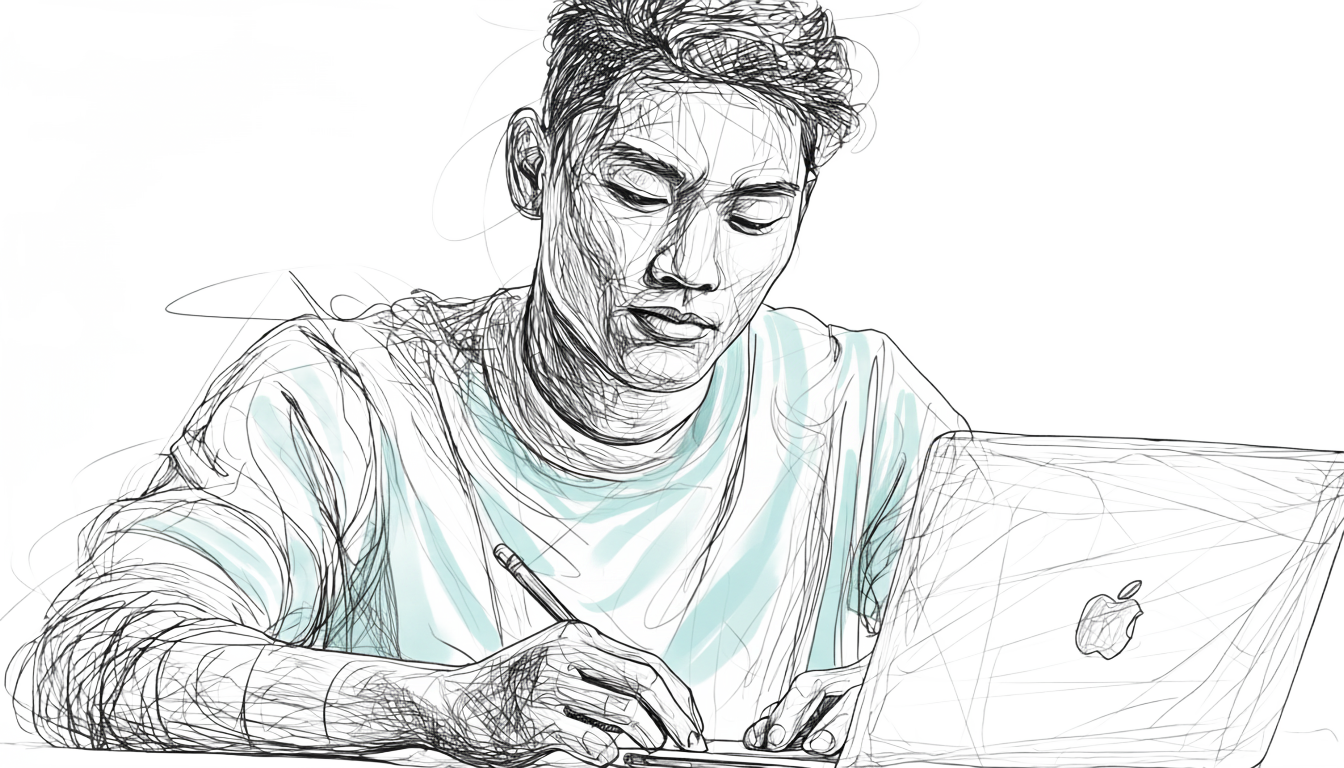
Ever found yourself staring at your laptop late into the night, pushing through assignments or catching up on work, only to have your eyes ache, a pulsating headache set in, and your vision blur? Maybe you have felt that uncomfortable gritty sensation, like there is sand in your eyes, or you have noticed they are red and watery.
If this sounds like a typical workday (or any day, really), you're not alone. What we often dismiss as "tired eyes" is a more precise term for a widespread public health concern: Digital Eye Strain (DES), also widely known as Computer Vision Syndrome (CVS).
This isn't just a minor annoyance; it's a complex condition that includes a range of eye and vision-related problems, as well as physical symptoms like headaches and pain in your neck and shoulders, which are often caused by poor posture. All of these seemingly separate problems are interconnected and a direct result of prolonged use of digital devices.
While the symptoms are often temporary, they can be frequent, persistent, and even impact your quality of life and work productivity. But why exactly do our eyes feel this way? Let's dive into the multifaceted causes behind this modern-day epidemic.
What's Really Causing Your Strain?
1. What Your Eyes (and Brain) Are Doing: Personal Factors
Beyond the external environment and your setup, what’s happening inside your eyes and brain is perhaps the most critical factor.
The Blink-Focus Connection
When you look at a screen, your eyes have to work harder to focus on the pixelated text than they do on printed words. This intense effort stresses your eye muscles and causes you to blink much less often. Fewer blinks mean your tears aren't spread across your eye surface as effectively, leading to increased tear evaporation and dryness. This lack of moisture is a major cause of eye fatigue, headaches, and blurred vision.
Uncorrected Vision Problems
Even minor uncorrected refractive errors like a slight astigmatism, farsightedness, or nearsightedness, can cause substantial eye strain, especially during prolonged, intensive computer work. If you wear glasses, an outdated prescription or one not optimized for computer distance can also contribute to the problem.
Cognitive Demand & Stress
The link between your mind and body is powerful. When you're stressed or anxious, your body tenses up, including the muscles around your eyes and in your neck. This tension can lead to headaches and worsen eye strain. A vicious cycle can then begin: the physical discomfort of computer vision syndrome, such as headaches and blurred vision, can make you feel more stressed, which in turn can make your physical symptoms even worse. This constant loop impacts your productivity and overall well-being.
2. Your Screen Settings: A Look at Your Device
Your digital screen itself, whether it's a laptop, TV, or phone, can be a major source of digital eye strain. Poor settings can make your eyes work much harder than they should, leading to fatigue and discomfort.
Incorrect Brightness
A screen that’s too bright, especially in a dim room, can feel like staring directly into a light source. Conversely, a screen that’s too dim forces your eyes to squint and strain just to see. Both extremes are exhausting for your eye muscles.
Blue Light Exposure
Digital screens emit blue light, which has a shorter wavelength and higher energy. Prolonged exposure can contribute to eye strain and may even disrupt your body’s natural sleep cycle by suppressing melatonin production, the hormone that helps you sleep.
Text Size and Contrast
Have you ever tried to read a book with faint text on a light-colored page? That's what a screen with tiny fonts or low contrast feels like to your eyes. When there isn't enough contrast between the text and the background, your eyes have to work overtime to decipher information, leading to quick fatigue. Making sure your text is larger than the default and has good contrast can make a huge difference.
**3. Your Setup: Ergonomic Factors **
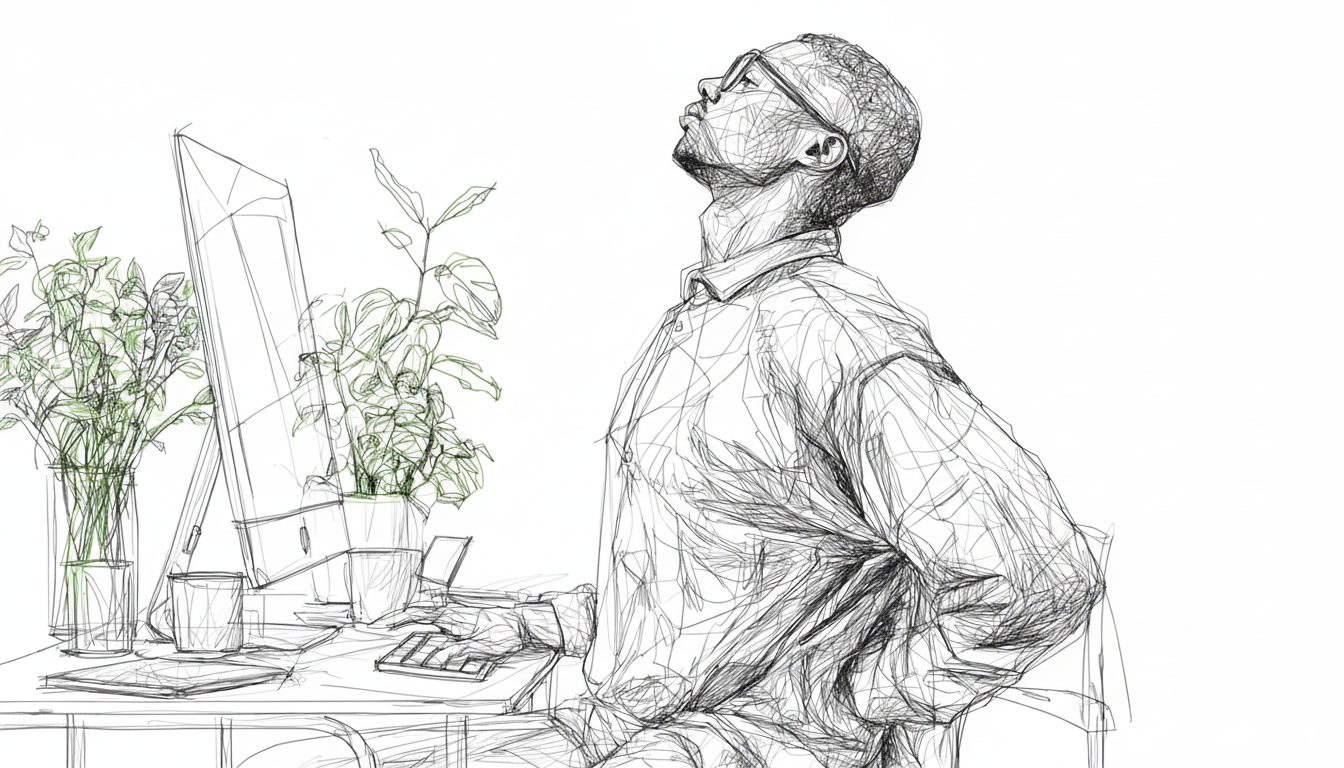
How you position your body and your screen can make a monumental difference. Many of us unwittingly adopt postures and viewing habits that put unnecessary strain on our neck and shoulders and even our visual system.
The Distance Dilemma
Most people tend to view computer screens too closely. While the "ideal" distance can vary, anything less than 20 inches forces your eyes to work harder to focus. For optimal comfort, aim for your screen to be between 20 to 28 inches away.
The Eye Angle
Where is the top edge of your monitor located in comparison to the height of your eyes when you are sitting straight? If it's too high or too low, you're likely to adjust your posture uncomfortably, leading to neck and back pain, which are common symptoms of computer vision syndrome. The sweet spot is typically when the top of your monitor is slightly below eye level, creating a downward gaze of about 10 to 20 degrees.
Small Screens, Big Problems
If you're using a laptop, tablet, or a smartphone for extended periods, you're likely holding it closer to your eyes and often in an awkward downward gaze. This position can lead to more tear evaporation. Think of it this way: when you look down, your eyelids naturally cover more of your eyeball, protecting your tears. When you look straight ahead or slightly up at a device, your eyes are more open, exposing more of your tears to the air, causing them to dry up faster. Plus, small font sizes and poor screen resolution on these devices demand more effort from your eyes.
Posture Matters
Your posture is a silent partner in your eye health. A poor sitting position doesn't just lead to neck and shoulder pain; it can also contribute to tension headaches and indirectly worsen eye strain. When your body is tense from poor posture, that tension can radiate to the muscles around your eyes, making it harder to focus. This creates a vicious cycle where physical discomfort compounds visual fatigue. For overall comfort and to prevent this cycle, remember to maintain a neutral spine and keep your feet flat on the floor.
4. The World Around Your Screen: Environmental Factors
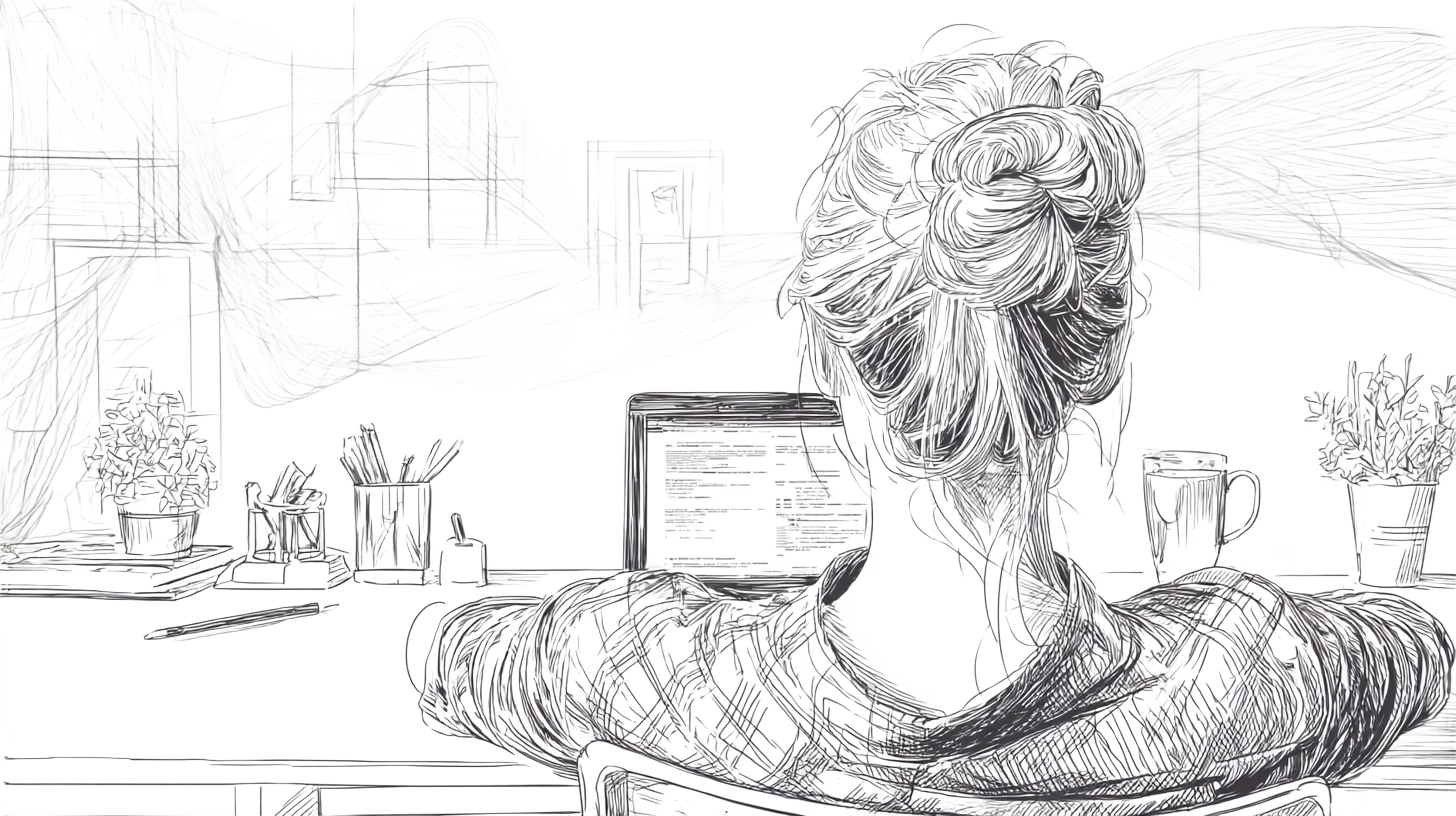
Think about your typical workspace. Is it perfectly lit, or are you battling glare and harsh lights? The environment plays a huge role in how comfortable your eyes feel when looking at a screen.
The Glare Game
Unlike reading from paper, which reflects light, your digital screen is self-illuminated. This means that external light sources, such as bright windows or harsh overhead lights, can create distracting reflections and glare on the screen's surface. This glare forces your eyes to work harder, making them struggle to maintain focus and leading to strain and fatigue. The effect is particularly taxing when you're staring at a bright screen in a dark room, as the harsh contrast puts added pressure on your eyes.
Air Quality Matters
Ever noticed your eyes feel extra dry in certain rooms? Your office or study space might be the culprit. Low humidity, air conditioning, ventilation fans, and even airborne irritants like dust or tiny particles from office equipment can accelerate tear evaporation, leaving your eyes feeling parched and irritated. These factors create a dry environment that constantly pulls moisture away from the surface of your eyes, causing them to feel parched and irritated.
Why Should You Care? The Long-Term Impact
While the symptoms of computer vision syndrome often feel temporary, ignoring them can have serious, lasting consequences. The daily discomfort you feel is your body's alarm system. Persistent neglect can lead to chronic, debilitating health issues that significantly impact your productivity at work and your overall well-being. This isn't just about a temporary headache or tired eyes. The long-term effects of unaddressed digital eye strain, as supported by research, can include:
Permanent Vision Deterioration
For some, the constant strain from prolonged "near work" on digital devices can accelerate the progression of underlying conditions like myopia (nearsightedness), making your vision worse over time.
Studies indicate that each additional hour of daily screen time is associated with a 21% higher risk of myopia.(1)
Chronic Dry Eye Disease
The occasional feeling of dry, gritty eyes can evolve into a chronic disease.(2) Research has found that our blink rate can drop by more than 50% when we are focused on a screen, which increases tear evaporation and can lead to persistent pain and even damage to the eye’s surface.(3) In severe cases, this condition can become so bad that it makes it impossible to continue working on laptops or other digital devices.
Chronic Pain and Musculoskeletal Issues
The awkward postures you adopt to cope with eye strain don't just cause temporary neck and shoulder pain. Numerous studies on office workers have found a strong correlation between prolonged computer use and chronic musculoskeletal pain, with neck and lower back pain being the most common symptoms.(4)(5) Over time, these habits can lead to lasting tension headaches and muscle issues.
Sleep and Mental Health Disruption
The blue light from screens can wreak havoc on your body’s natural clock. Multiple studies confirm that blue light suppresses the production of melatonin, the hormone that regulates your sleep-wake cycle.(6)(7) This can lead to chronic sleep problems and a severe lack of focus, making it difficult to concentrate and perform at work. Furthermore, the constant physical discomfort from CVS can contribute to increased stress and anxiety, creating a vicious cycle that impacts your overall well-being.
A Brighter Future for Your Eyes
The good news is that computer vision syndrome is a treatable and manageable condition. By making a few simple adjustments, you can significantly reduce its effects and safeguard your long-term eye health.
Start with simple habits: intentionally blinking, setting up a proper ergonomic workspace, and scheduling regular eye exams to ensure your prescription is correct. To learn more about these and other effective strategies to combat digital eye strain, be sure to explore the other helpful blogs on our website.
Imagine finishing your work without a throbbing headache or burning eyes. Taking care of your eyes is an investment in your productivity, comfort, and overall well-being. Start today, and your eyes will thank you.
References
(1): Ha, A., Lee, Y. J., Lee, M., Shim, S. R., & Kim, Y. K. (n.d.). Digital Screen Time and Myopia: A Systematic Review and Dose-Response Meta-Analysis. Ophthalmic and Physiological Optics. https://pmc.ncbi.nlm.nih.gov/articles/PMC11846013/
(2): Al-Mohtaseb, Z., Schachter, S., Shen Lee, B., Garlich, J., & Trattler, W. (2021). The relationship between dry eye disease and digital screen use. Clinical Ophthalmology, 15, 3811–3820. https://pmc.ncbi.nlm.nih.gov/articles/PMC8439964/
(3): Lapa, I., Ferreira, S., Mateus, C., Rocha, N., & Rodrigues, M. A. (2023). Real-Time Blink Detection as an Indicator of Computer Vision Syndrome in Real-Life Settings: An Exploratory Study. International Journal of Environmental Research and Public Health, 20(5), 4569. https://pubmed.ncbi.nlm.nih.gov/36901579/
(4): Kanniappan, V., & Selvakumar, J. (2020). Prevalence of work related psychological and musculoskeletal problems among business process outsourcing workers. Journal of Lifestyle Medicine, 10(1), 55–60. https://pmc.ncbi.nlm.nih.gov/articles/PMC7171065/
(5): Amit, L., & Song, Y. W. (2021). Effectiveness of Ergonomic Intervention in Work-related Postures and Musculoskeletal Disorders of Call Center Workers: A Case-control Study. Industrial Engineering & Management Systems, 20(2), 109–118. https://www.researchgate.net/publication/353024346
(6): Lee, H. (2024). No Light at Night and Bright Light in the Morning. Chronobiology in Medicine, 6(1), 1–2. https://www.chronobiologyinmedicine.org/journal/
(7): Alam, M., Abbas, K., Sharf, Y., & Khan, S. (2024). Impacts of Blue Light Exposure From Electronic Devices on Circadian Rhythm and Sleep Disruption in Adolescent and Young Adult Students. https://www.chronobiologyinmedicine.org/m/journal/.